> For the complete documentation index, see [llms.txt](https://tutorial.neoline.io/llms.txt). Markdown versions of documentation pages are available by appending `.md` to page URLs; this page is available as [Markdown](https://tutorial.neoline.io/hardware-wallet/connect-your-onekey-to-neoline.md).
# Connect your OneKey to NeoLine
NeoLine extension wallet officially supports the OneKey hardware wallet. Through the latest NeoLine extension version.
**it allows you:**
* Check your account balance
* Sign transactions
* Sign messages
#### How to connect to your OneKey Hardware Wallet?
**Before you begin, make sure that:**
* [x] the most up-to-date extension of NeoLine
* [x] up-to-date Google browser
* [x] Install [Bridge](https://onekey.so/download/?client=bridge), the web terminal can communicate with hardware only after a hardware bridge is installed.
* [x] the device plugged in via USB NOT bluetooth
* [x] the OneKey Hardware Wallet unlocked
#### Now you can start to connect:
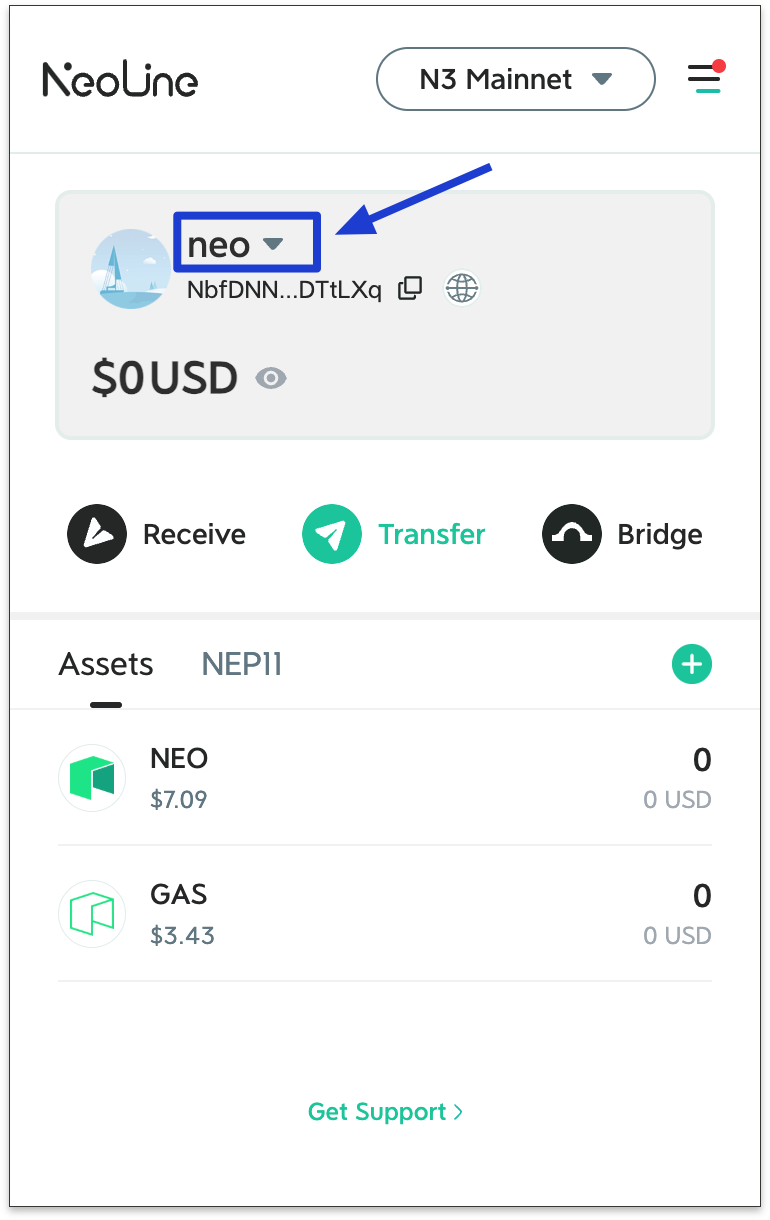
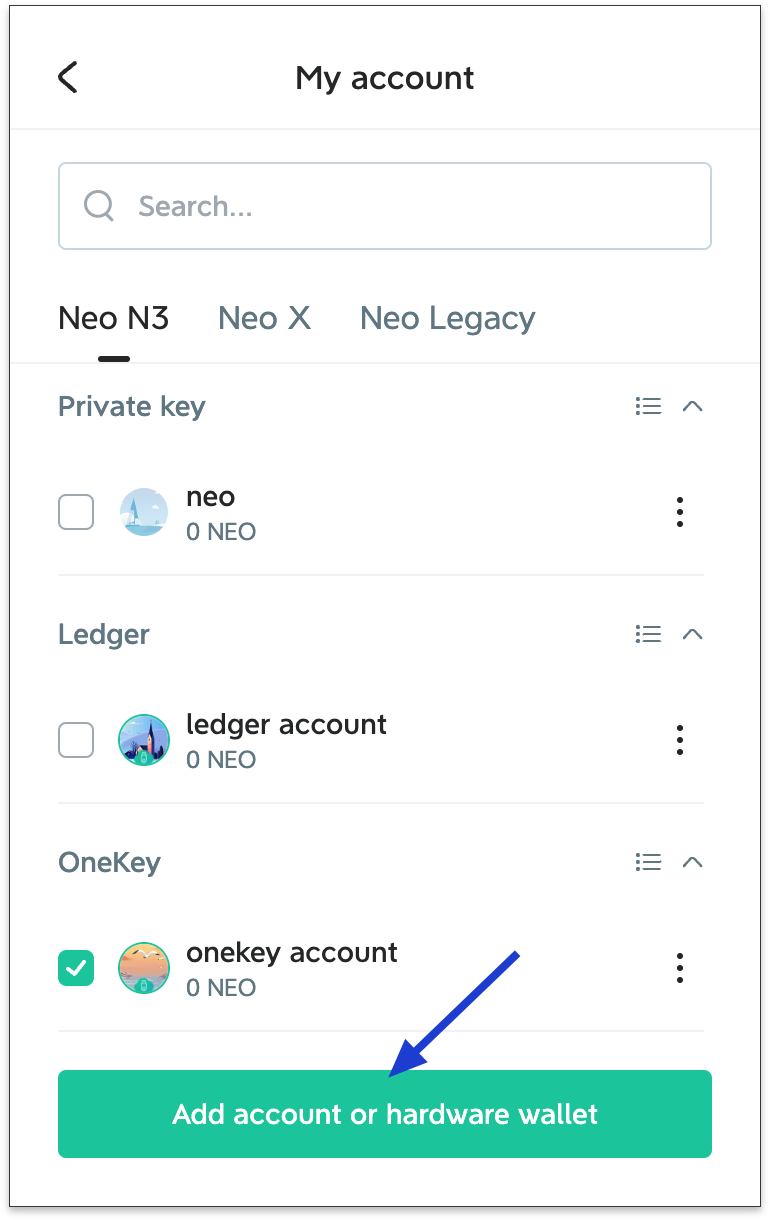
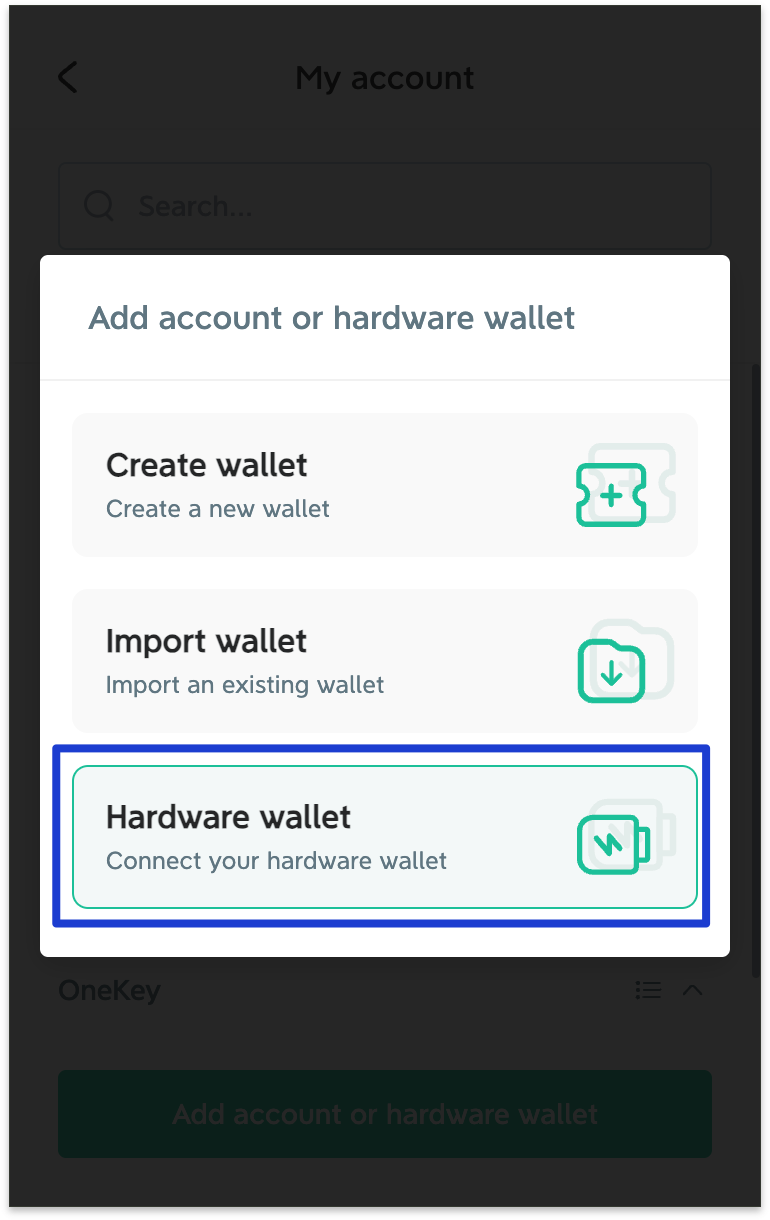
1. Open the NeoLine extension and click on your account name to enter. Select Add Hardware Wallet.
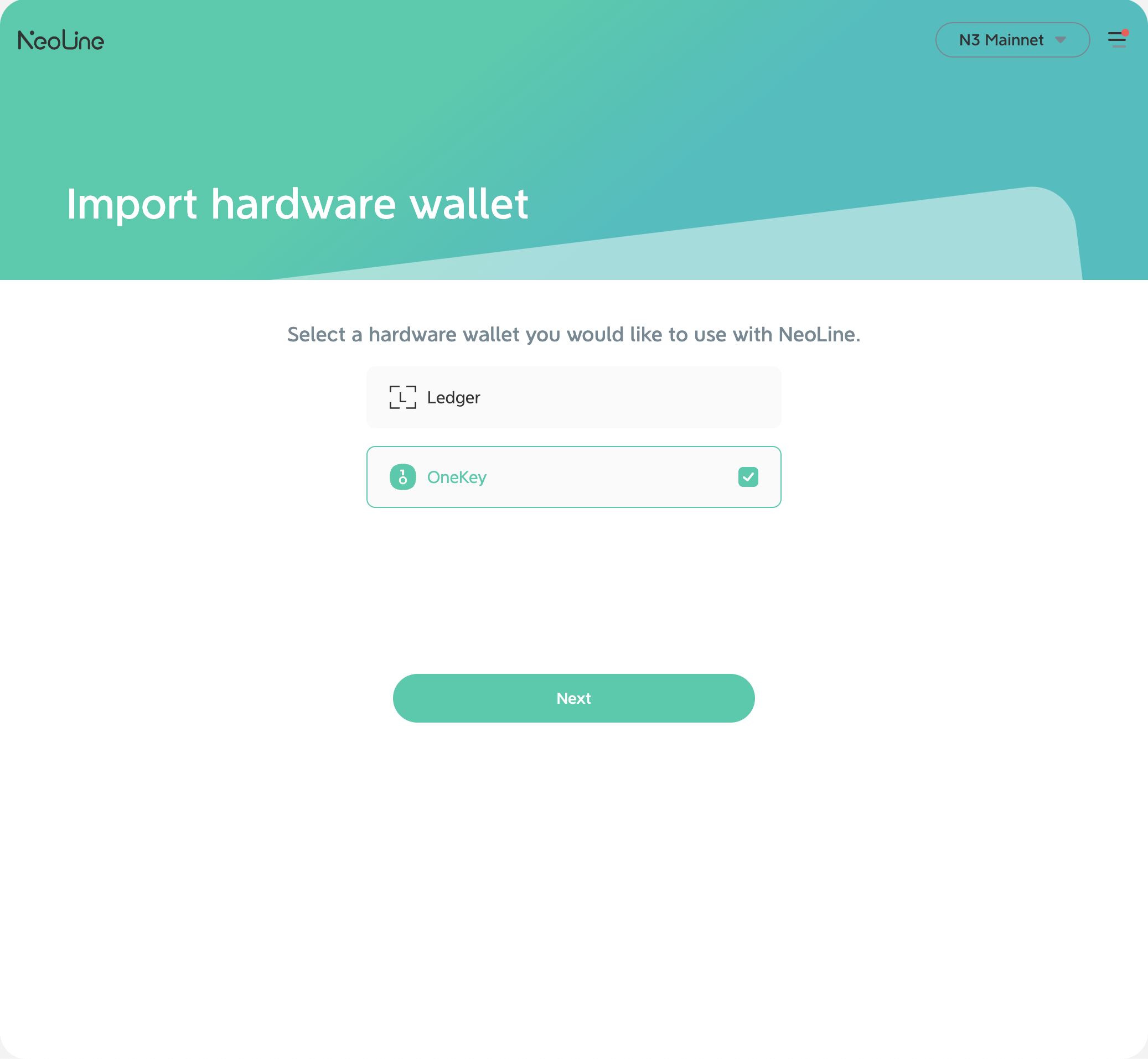
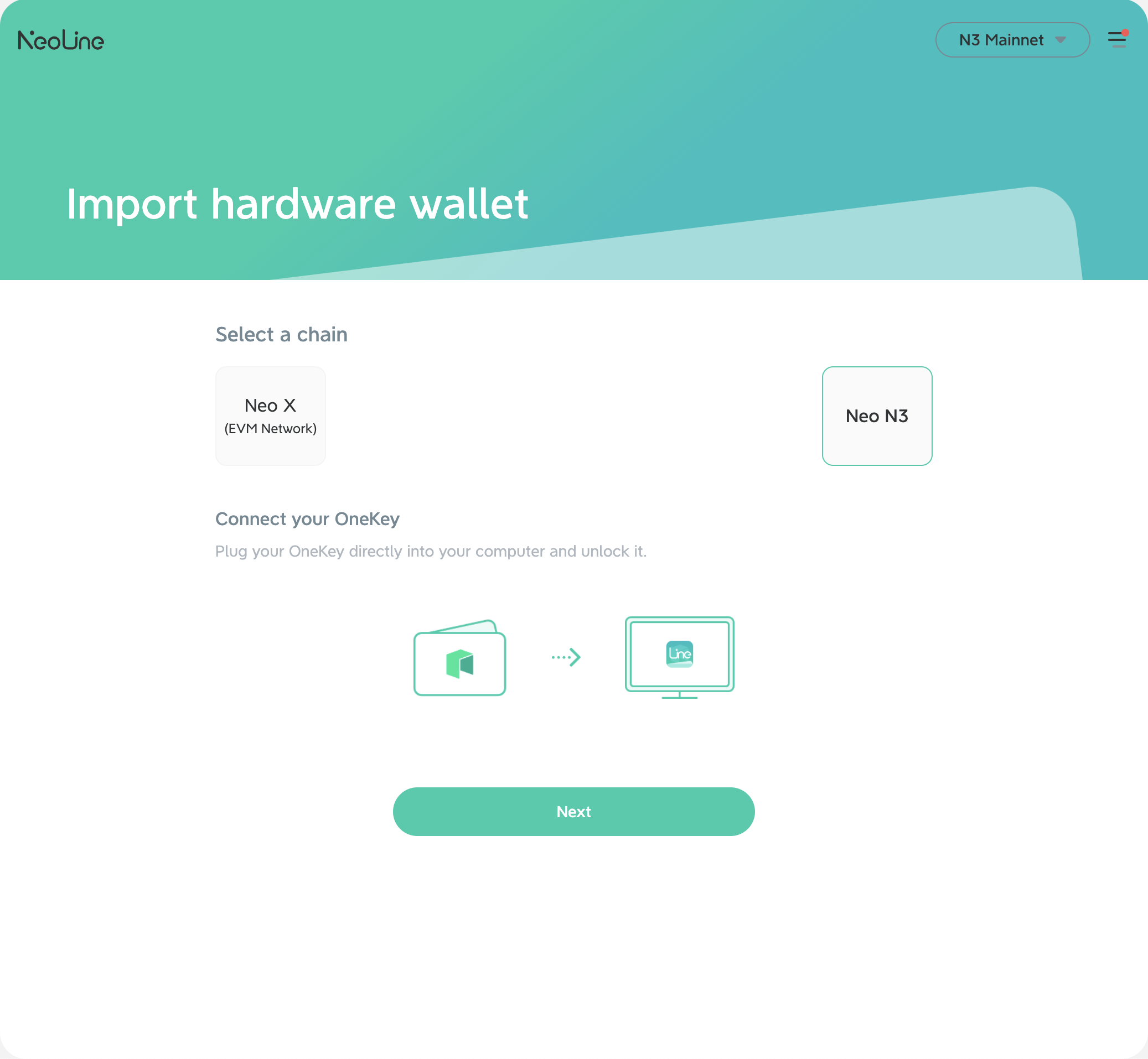
2.Click \[OneKey], select Neo X/Neo N3 based on your personal needs, then click \[Next].
3\. Start to import the hardware wallet. If the OneKey device isn't be found, please unlock the device and reconnect. If you have multiple wallet addresses after importing, select the one you want to interact with.
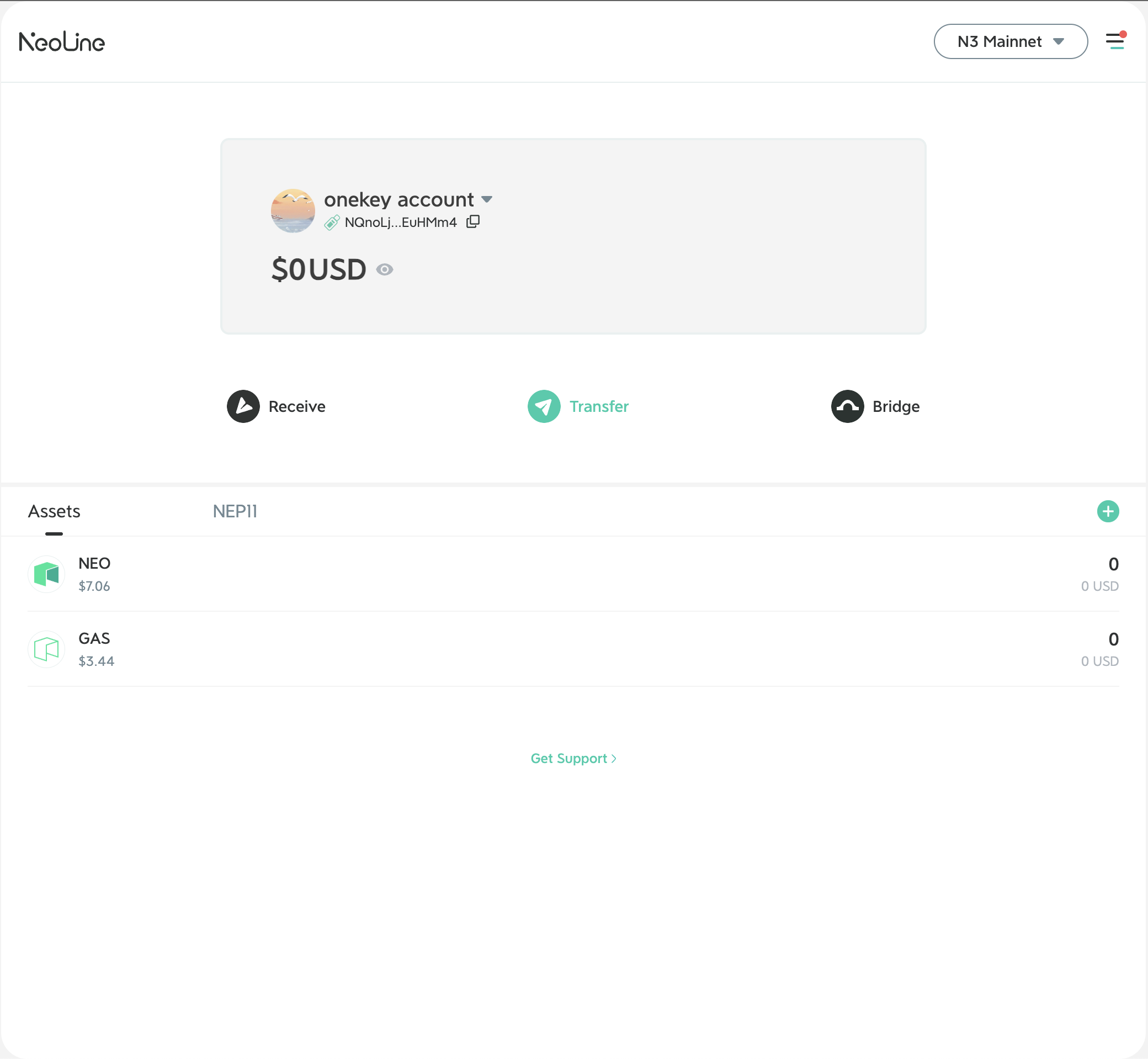
After the import is successful, a small icon of the hardware wallet will appear on the left side of your wallet address, **as shown below:**
#### How to remove the connected hardware wallet?
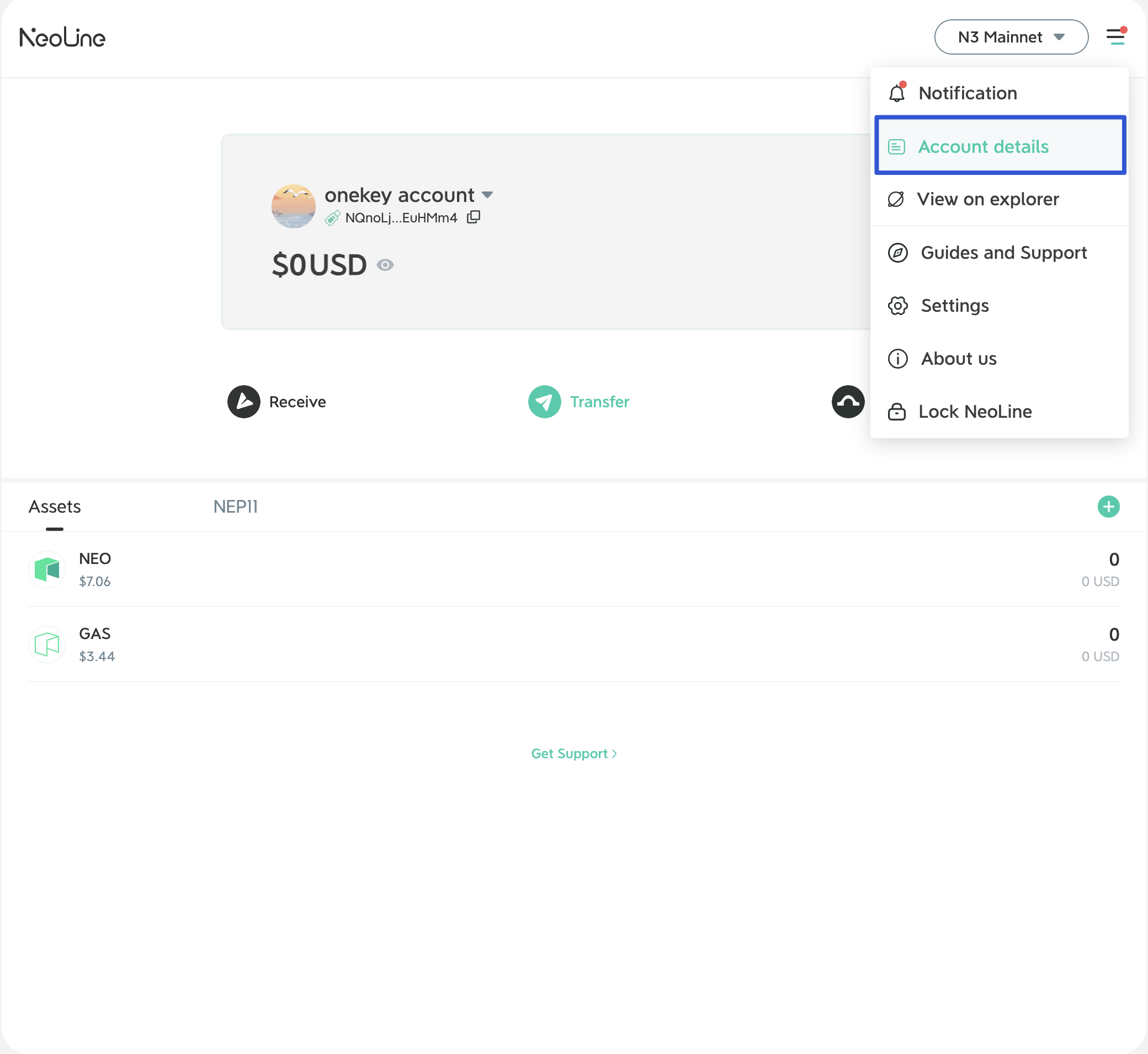
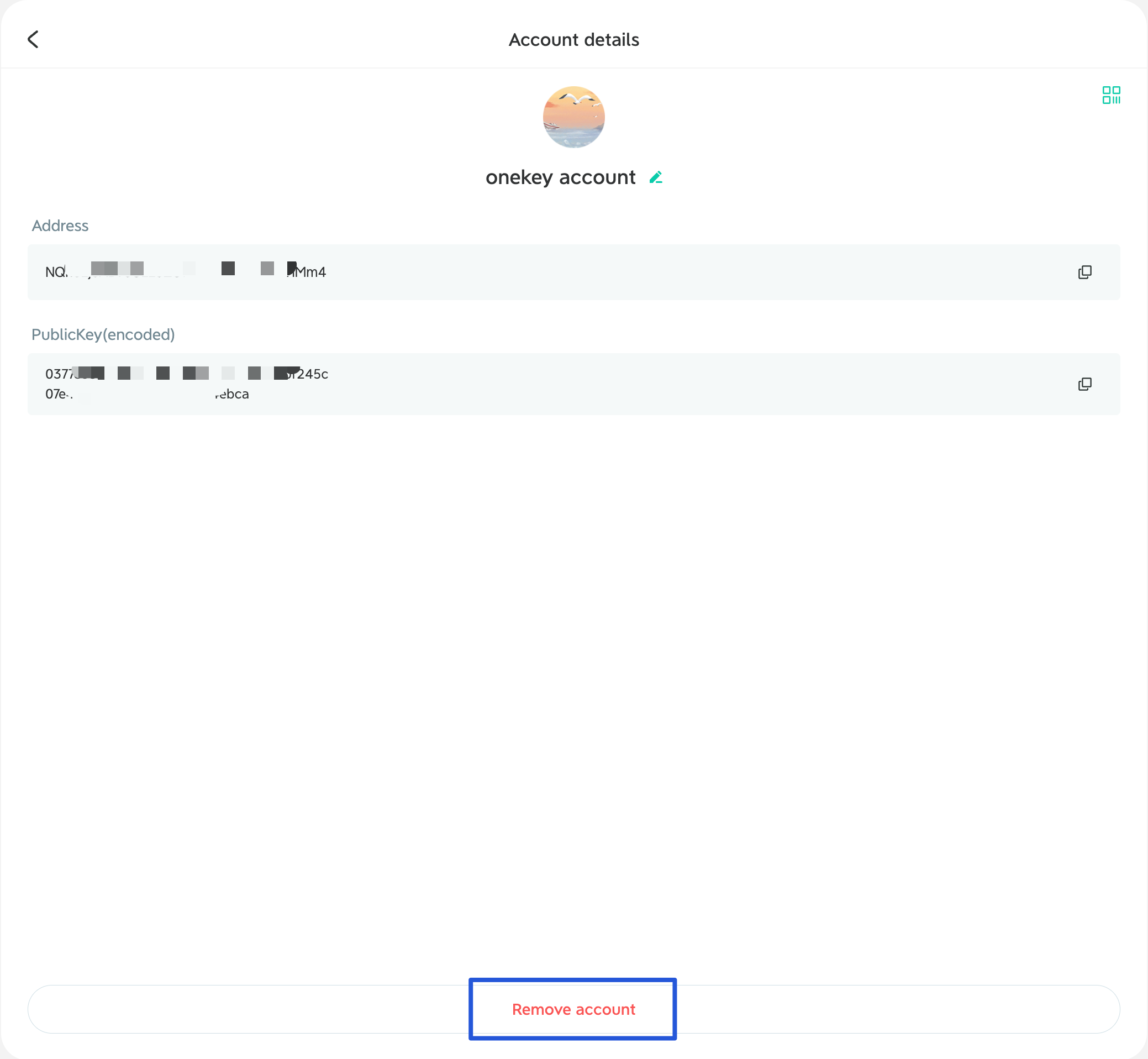
The operation is the same as deleting the address on the wallet Extension. Click \[Account details] in the main menu bar, enter the account details page, and select \[Remove account].